Quickstart
Deploy the reference implementation to observe the architecture in a live cluster. This assumes you meet the prerequisites (container runtime + git; tooling via Devbox or Dev Container). Initial deployment requires image downloads and ArgoCD reconciliation, typically 5–7 minutes on most connections.
The deployment orchestration reads config.toml for component versions, NodePort
assignments, default credentials, and stack enablement. Before deploying, you may
customize which stacks to include.
Optional: Configure deployment scope
Edit config.toml [fuses] to disable stacks you do not need (observability, cicd,
security, events, backstage). The prod flag hardens ArgoCD defaults. These fuses
control what the demo deploys; they do not change the underlying architecture model.
Make changes before running task deploy.
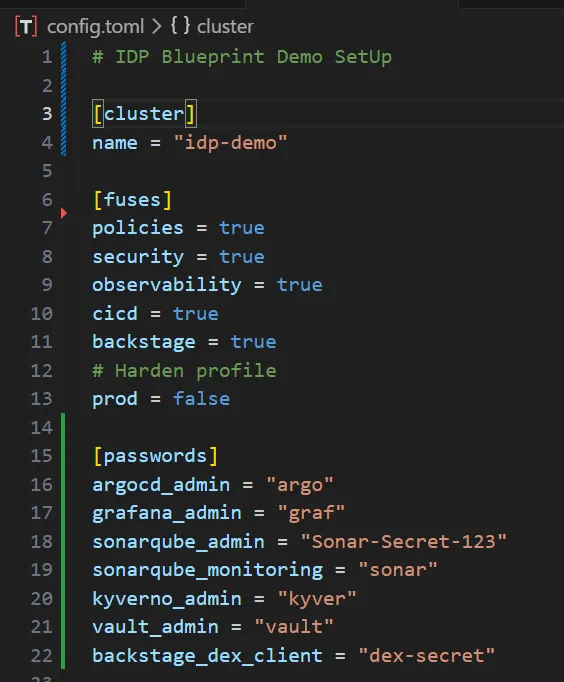
:::danger Never keep real passwords or secrets in plain text. The demo ships simple values for convenience—replace them with your own secure secrets for anything beyond local exploration. :::
Deploy
task deployRun it from the repository root. It spins up a three-node k3d cluster, sets up networking (Cilium, Gateway API), cert-manager, Vault + External Secrets, ArgoCD, and then lets ApplicationSets bring up the stacks you left enabled.
Typical runs take about 5–15 minutes depending on bandwidth and available resources.
What to expect while it runs
Early logs cover k3d creation and Cilium; later you will see ArgoCD, Gateway NodePorts, and ApplicationSets per stack.
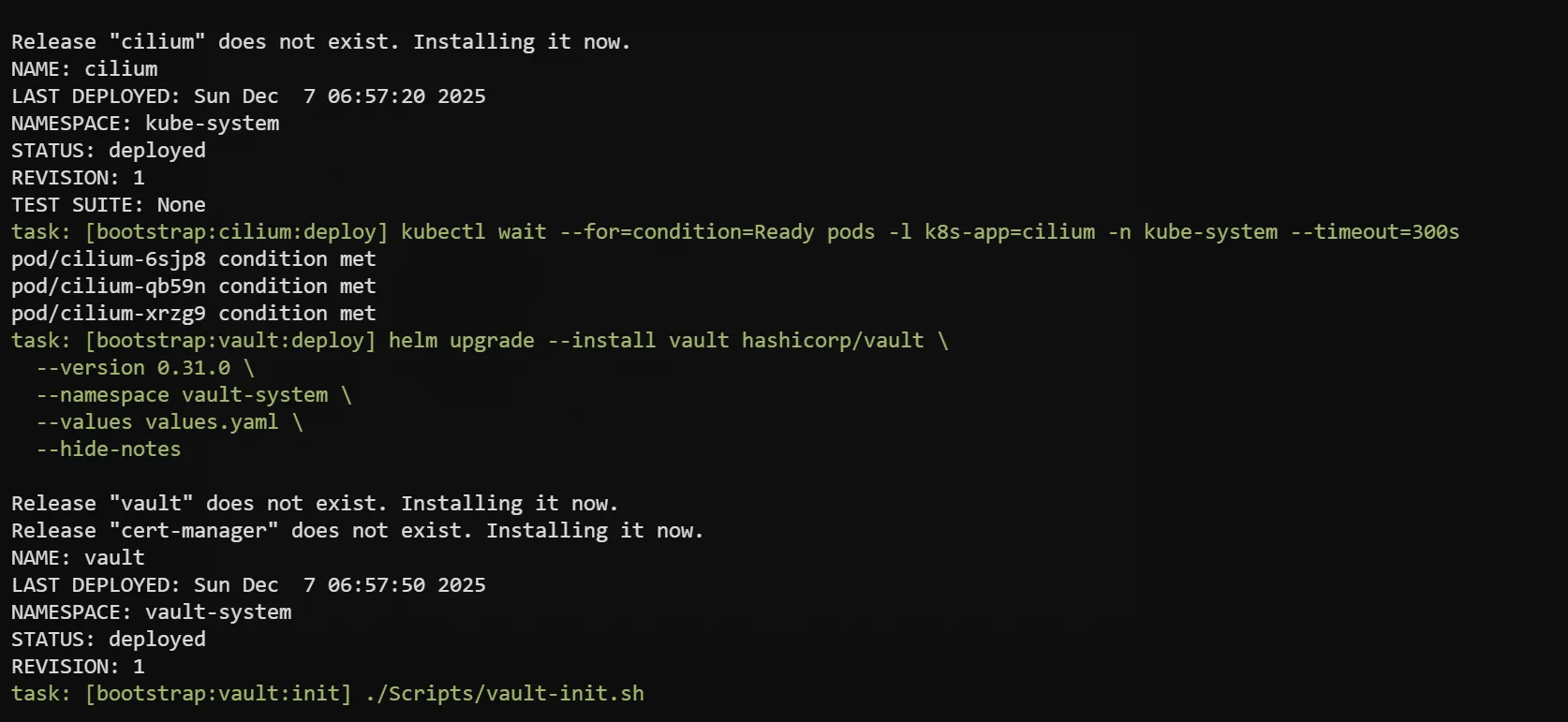
ArgoCD keeps reconciling after task deploy exits, so Healthy/Synced states appear
gradually as images finish pulling. The task prints nip.io URLs (based on your LAN IP)
when the Gateway is ready.
You can open k9s to watch resources settle.
Some workloads may show transient states (Pending, ContainerCreating) during initial convergence. Multiple Helm charts reconcile in parallel under GitOps control; the cluster reaches steady state as images finish pulling. Typical convergence time is 5–7 minutes on most setups; networks with <10Mbps bandwidth or high latency may require 10–15 minutes.
Clean up
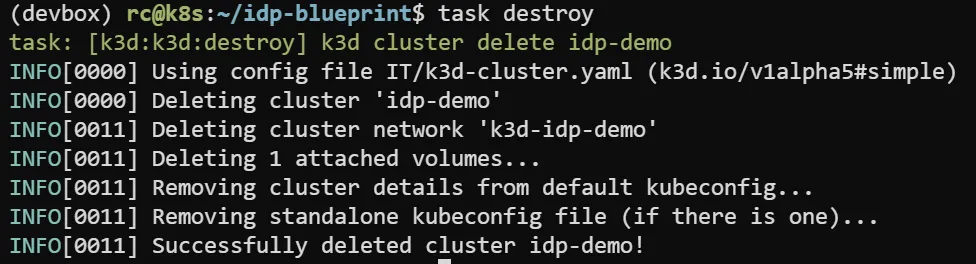
task destroyRunning task destroy deletes the k3d cluster and all demo resources, returning your
host to the state before deployment. Use it when you finish exploring or need to reclaim
disk space.